
Online menu
as good as
your food.
The fastest mobile-first menu on the market, built purely around the guest experience.


The fastest mobile-first menu on the market, built purely around the guest experience.
The scan should be the start of a great experience. Guests need quick access, clear choices and the confidence to order. Too many menus make each one harder than it should be.
A slow page interrupts the moment a guest is ready to choose.
Confusing categories and crowded layouts make good dishes hard to find.
When allergen and dietary information is buried, guests have to guess.
Fastest online menu on the market. No app, no download, no PDF.
Clear categories and intuitive sidebar navigation keeps guest exploring the menu.
XY number of languages automatically translating your entire menu.
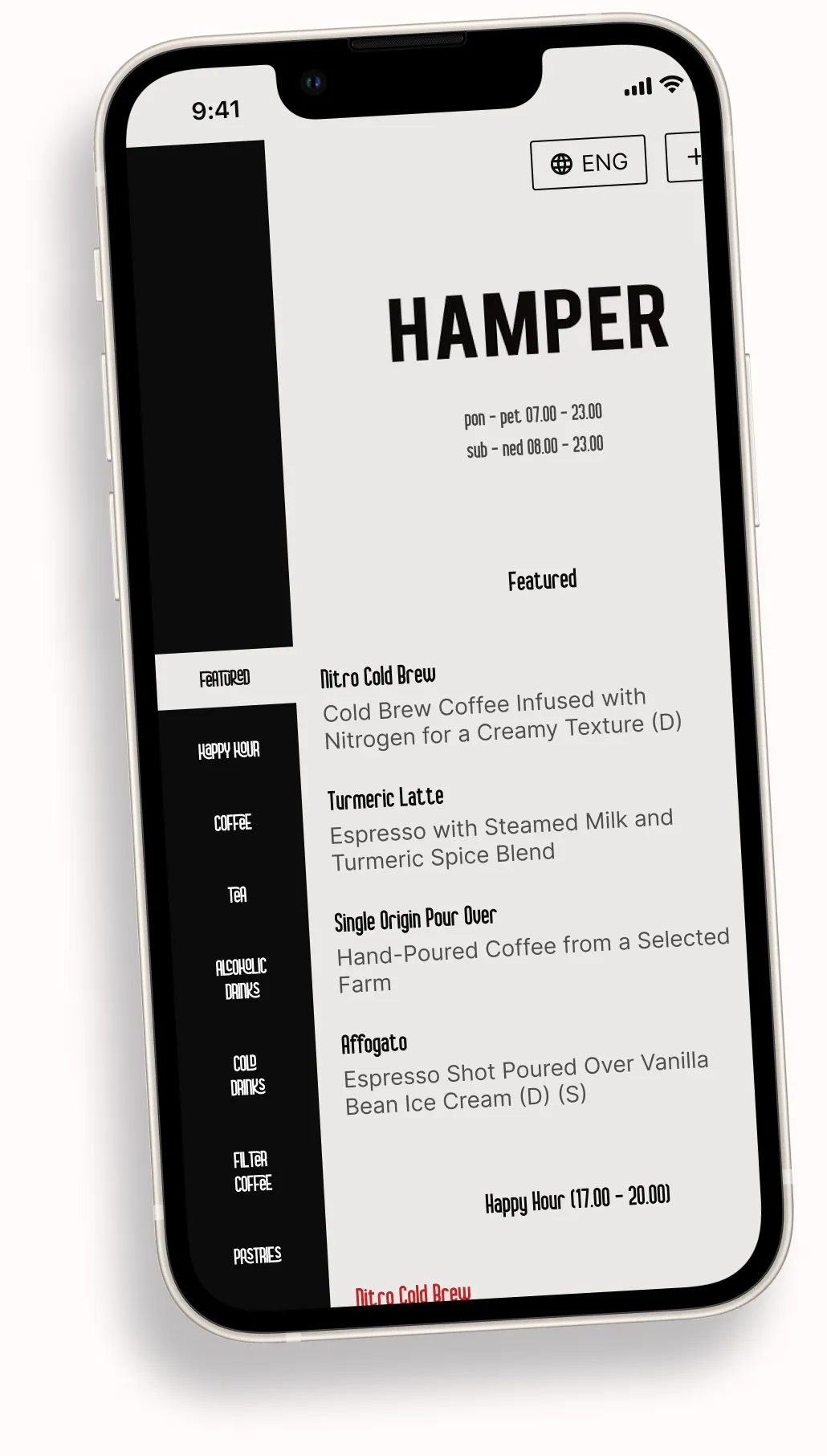
All 14 EU allergens on every dish plus a filter for guests to help them hide certain dishes.
Colors, type, imagery and layout work together as one experience.
Update dishes, prices and details without reprinting menus.
You put so much care into your brand.
Your social media is curated, full of beautiful content showcasing the soul of your business.
So why settle for an online menu that's ugly, hard to use, and looks like everyone else's?
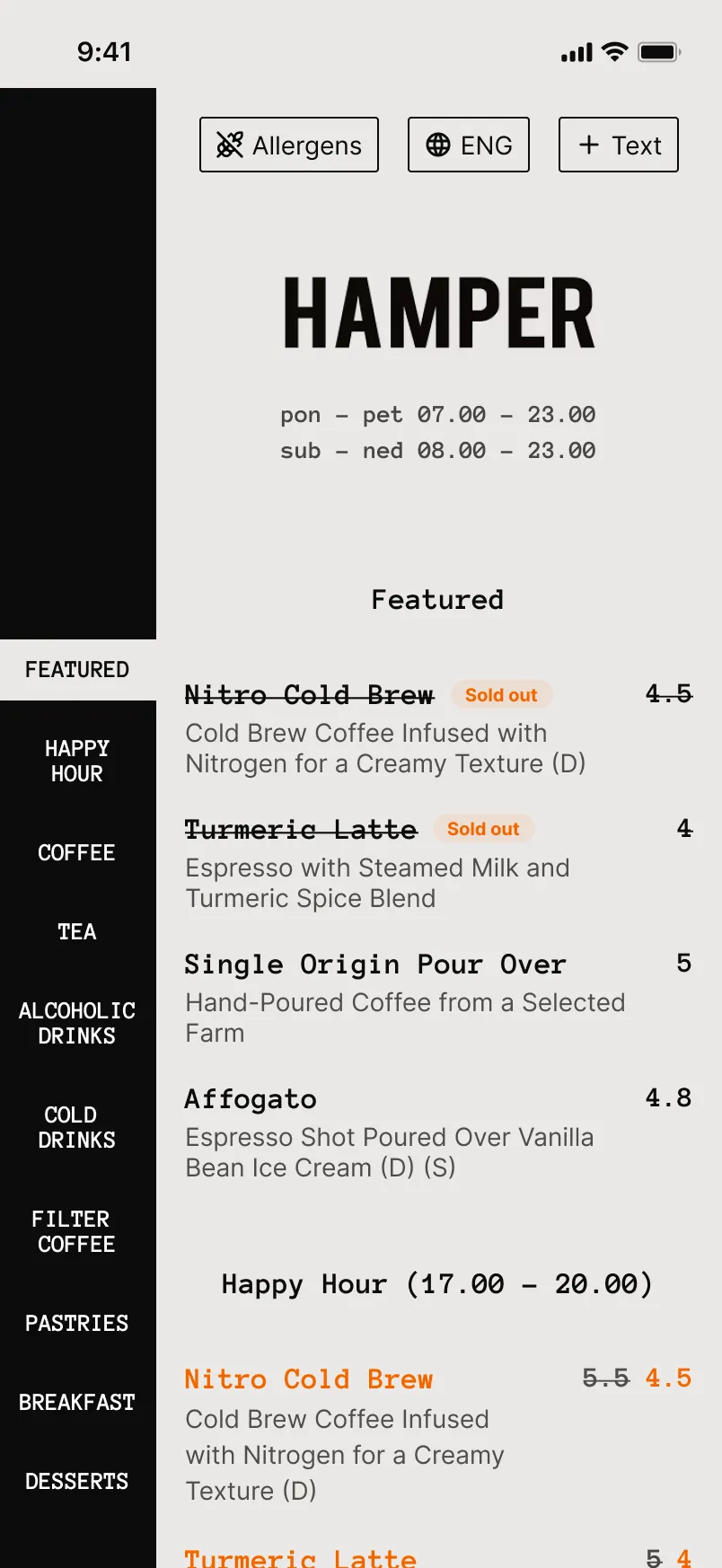
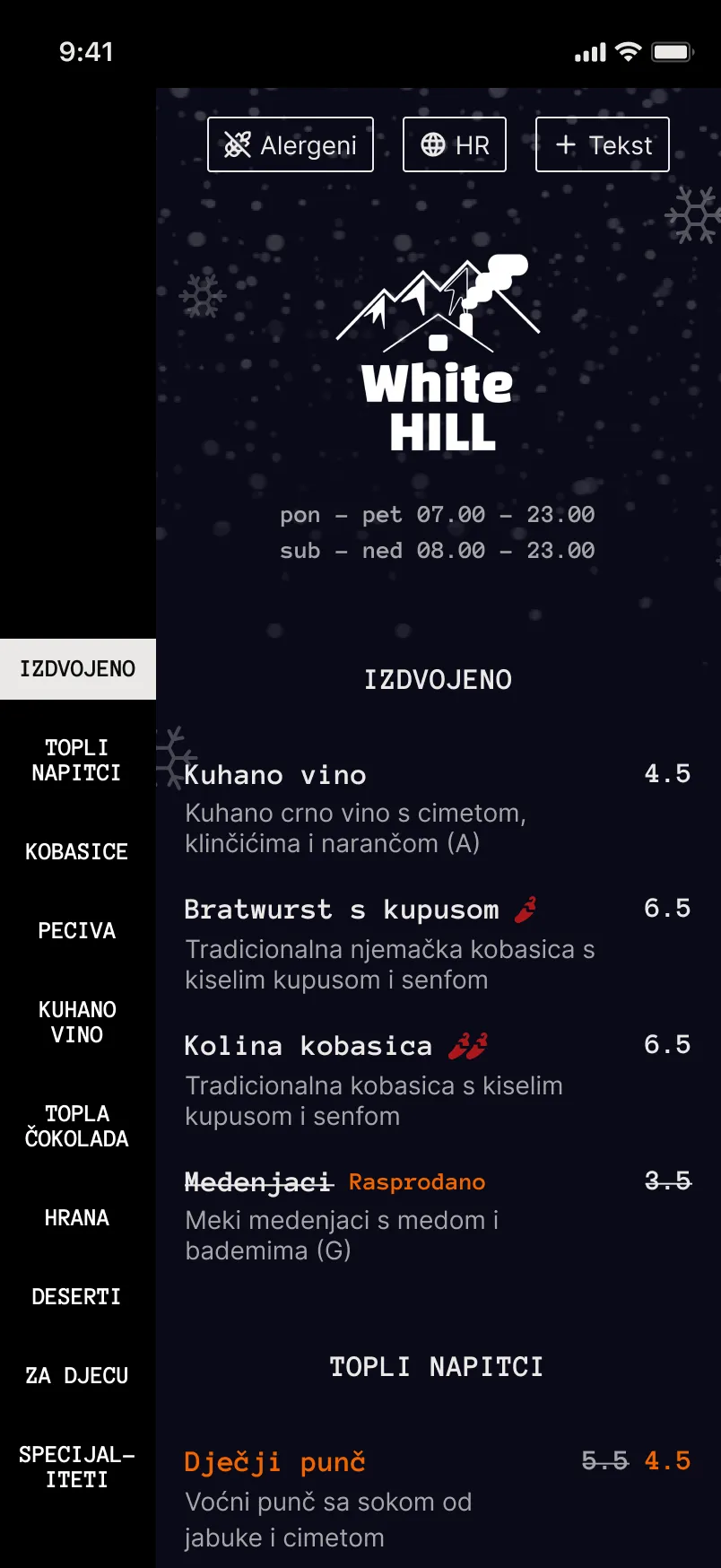
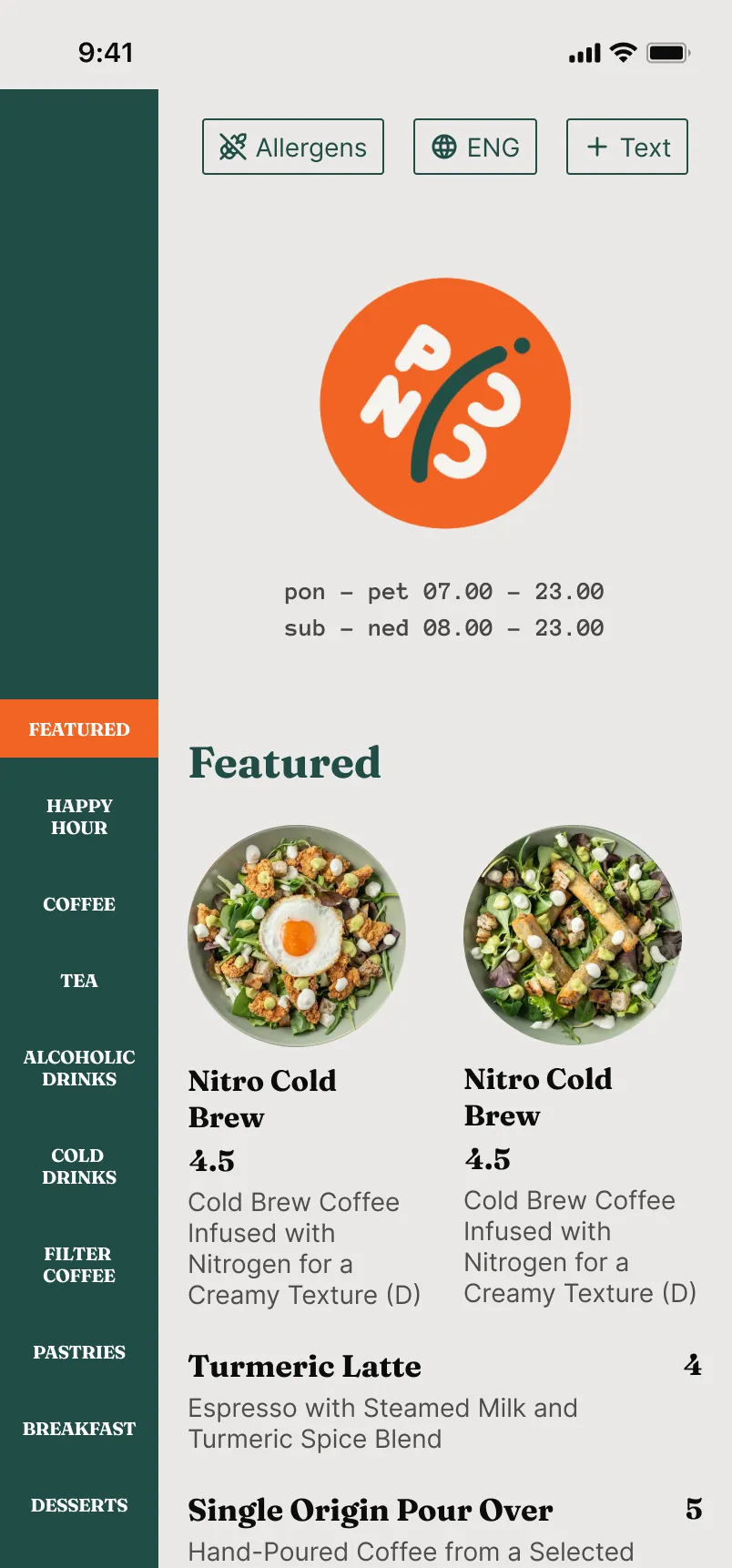
Use one of our highly crafted design templates or create your own
Today’s specials, business lunches, new desserts. Guests tap and watch, just like on Instagram. It’s a great form of content to quickly showcase your dishes and deals.
Show off your food the way you do on social, with photos and short videos right at the top of your menu.
Today’s specials, business lunches, new desserts. Guests tap and watch, just like on Instagram. It’s a great form of content to quickly showcase your dishes and deals.
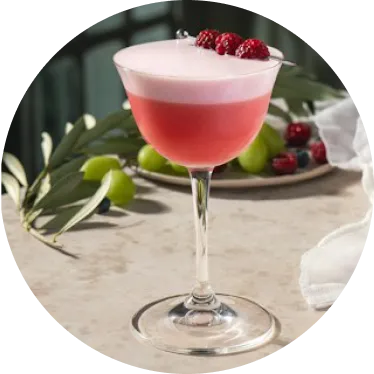 Bloody
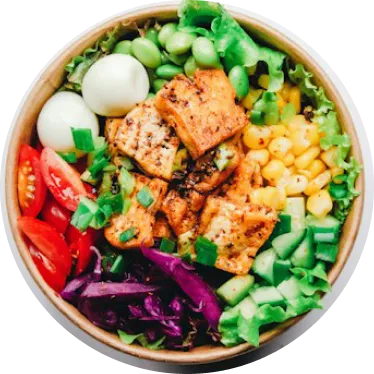 Business
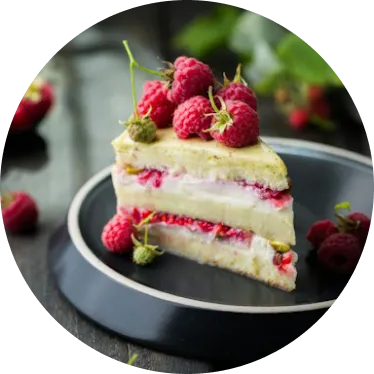 Today's
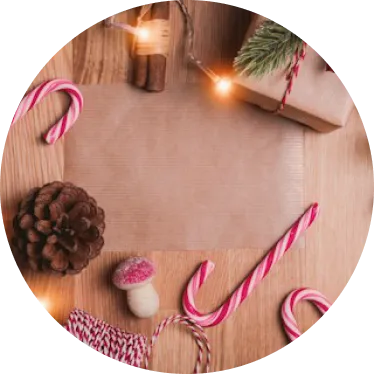 Christmas
Help guests find what they want and lead them straight to the menu location
Lorem ipsum dolor sit amet consectetur. Rhoncus ullamcorper justo pellentesque velit turpis quis donec amet.
Step 1 - Setup
Add your menu. Categories, dishes, prices and allergens.
Everything restaurant owners ask before switching to Skenirko.
You can create your Skenirko menu for free. See Pricing for what each plan includes.
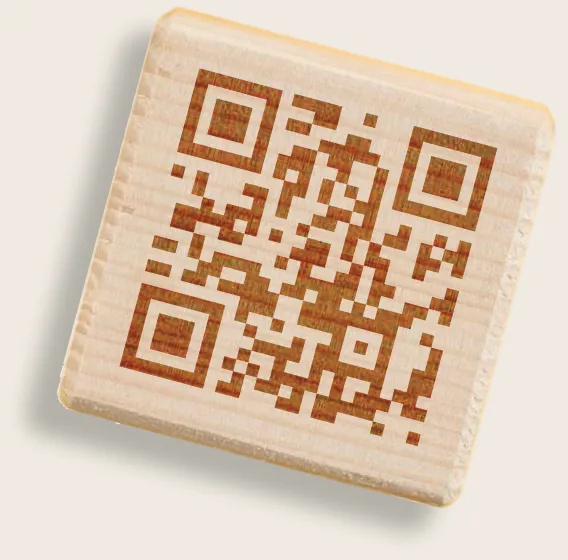
No. Guests scan the QR code on the table and your Skenirko menu opens straight in their phone’s browser. There’s nothing to install or sign up for, and it works on any iPhone or Android phone.
Add your categories, dishes, prices and allergens in the Skenirko editor, pick a theme and publish. Put your QR code on the tables and guests can browse your menu right away.
Yes. Edit your Skenirko menu whenever you like and publish the changes. Your QR code stays the same, so there’s nothing to reprint, which makes daily specials and seasonal menus easy.
More than 16. Skenirko translates your whole menu automatically with AI, and guests switch to their language with one tap. Tourists can read every dish and description without asking your staff.
Every dish can list all 14 EU allergens. Guests can hide dishes that contain allergens they avoid, or show only vegan, vegetarian, gluten-free or halal dishes, so they find what they can eat in seconds.
When you discount a dish, Skenirko shows the regular price crossed out next to the new one. Guests see the saving at a glance, and your menu stays compliant with pricing regulations.
Yes. Choose from 20+ themes or build your own in the live editor with your colours and fonts. You see every change on the menu as you make it.
Yes. Add photos and short videos as stories at the top of your menu, just like on Instagram. They’re a quick way to show off today’s specials, new desserts or a lunch deal.